Balancing Creativity & Code: Bridging Designers and Developers
Balancing Creativity
- Binary Optimizers
- 00:44 am
- 16 Oct 2024
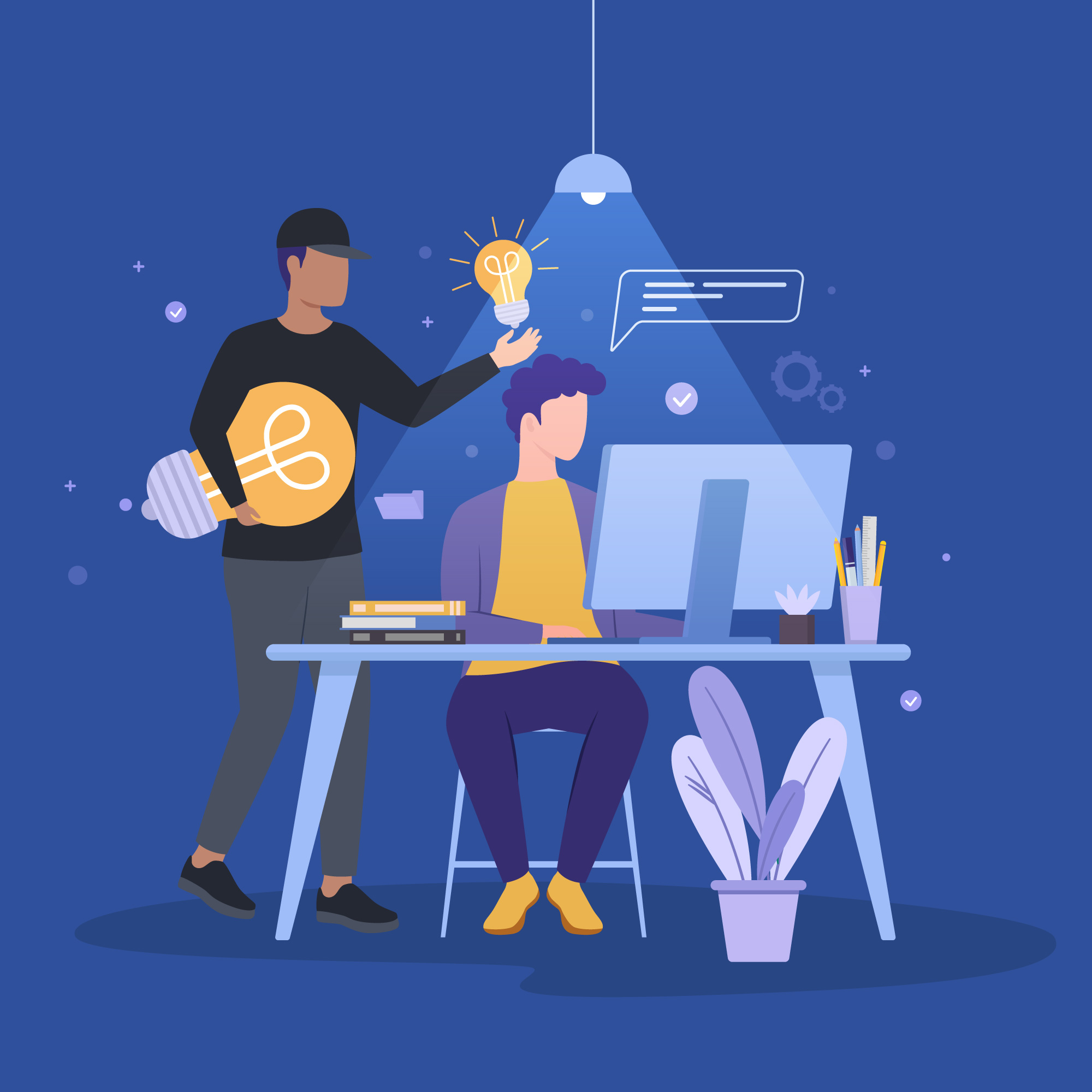
Balancing Creativity & Code: Bridging Designers and Developers
Balancing Creativity & Code: Bridging Designers and Developers
In digital product development, two worlds often collide: design and development. Designers imagine seamless experiences with bold visuals, while developers focus on code efficiency, performance, and technical feasibility. Both roles are essential — yet misalignment between them can cause friction, delays, and even compromised products.
So how can teams bridge this gap and create harmony between creativity and code? At Binary Optimizers, we believe the answer lies in better communication, collaboration, and shared processes.
Even in the best teams, challenges arise when design meets development:
Handoff Challenges
– Designers create high-fidelity mockups, but translating them into code can result in discrepancies.
Design vs. Implementation
– A design might look stunning but be technically complex, slowing down performance or requiring heavy custom code.
Responsiveness & Edge Cases
– Designs may not fully account for different devices, resolutions, or accessibility needs, leaving developers to fill in the gaps.
Iteration Bottlenecks
– When designers or developers work in silos, revisions can take longer, leading to frustration and missed deadlines.
Strong communication is the foundation of successful collaboration. Some practices that make a difference include:
Shared Style Guides
– Establish brand colors, typography, and UI components early, so both designers and developers are aligned.
Design Systems
– Create reusable patterns (buttons, forms, navigation) that ensure consistency and speed up development.
Component Libraries
– Developers can code reusable components that match the design system, reducing redundancy and error.
Regular Syncs
– Short check-ins between designers and developers during sprint cycles prevent misunderstandings from snowballing.
Fortunately, modern tools make designer-developer collaboration easier than ever:
Figma – Real-time collaboration on designs with comments and version control.
Zeplin / Avocode – Streamlined handoff with specs, measurements, and assets for developers.
Storybook – A developer tool for building and documenting UI components.
Version Control (Git) – Helps both teams keep track of changes and maintain consistency.
Using these tools ensures designs are accurately translated into functional code, without endless back-and-forth.
We’ve seen firsthand how thoughtful collaboration leads to better outcomes. For instance:
E-commerce Project: Our designers created a sleek product filtering interface. By working closely with developers, we optimized animations for performance without losing visual appeal.
Enterprise Dashboard: A complex data visualization project required iterative prototyping. Developers built interactive components in Storybook, allowing designers to refine the look while ensuring feasibility.
Brand Website Revamp: Shared style guides allowed both teams to scale visuals and components across multiple pages with zero inconsistencies.
In each case, bridging creativity and code not only saved time but also improved user experience.
Treat designs as guidelines, not blueprints — leave space for technical creativity.
Encourage early developer involvement during design brainstorming.
Use version control for design files, just like code.
Document everything — from design tokens to API integration notes.
Celebrate small wins — acknowledge when collaboration creates elegant solutions.
When creativity and code work in isolation, digital products suffer. But when designers and developers collaborate closely, the result is greater than the sum of its parts: products that are both beautifully designed and technically sound.
At Binary Optimizers, we foster workflows that bring these disciplines together — ensuring every project balances innovation with execution. Because in the end, bridging design and development isn’t just about smoother teamwork; it’s about creating better digital experiences for users.